
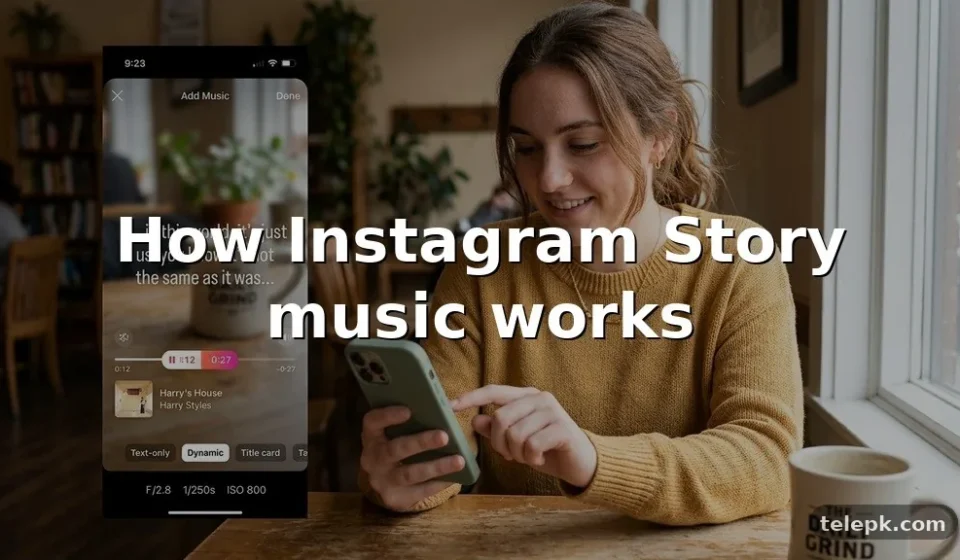

Adding music to Instagram Stories can turn a simple photo, video, beauty reveal, room makeover, or reaction clip into something with far more mood and personality. Instagram’s built-in Music sticker makes the process quick: choose a track, select the part you want people to hear, then decide how it appears on screen.
The controls can look slightly different across devices and account types, though, and not every song is available in every region. Knowing how to add music to Instagram Stories also helps you avoid muted posts, awkward lyric timing, and tracks that don’t match the moment.
Here’s how the feature works, what to do if Instagram Music is missing, and the practical options for sharing audio that isn’t in the app’s music library.
Instagram Music is a feature within the Instagram app that lets eligible users add licensed songs to Stories. Rather than uploading a full song file to the platform, you select music from Instagram’s catalog and choose a short segment to accompany your content.
Music is typically added through a sticker. You can show album art, animated lyrics, a compact song title, or hide the sticker display entirely while the selected audio still plays. Available tracks and lyric styles may vary by song, country, account, and app version.
How to add music to Instagram Stories from your phone
The quickest method is to add the Music sticker before you share your Story. Start with a photo or video from your camera roll, or record something directly in the Story camera.
- Open the Instagram app and tap the + icon or swipe right to open the Story camera.
- Capture a photo or video, or tap the gallery thumbnail at the bottom of the screen to select existing media.
- Tap the sticker icon near the top of the editing screen.
- Select Music. If you don’t see it immediately, use the sticker search field.
- Search by song title, artist, genre, or mood, then tap the track you want.
- Drag the timeline slider to choose the part of the song that fits your photo or clip.
- Choose a lyrics display, album cover, or title card if that option is available. Pinch, drag, or rotate the sticker to position it.
- Tap Your story to post it, or choose Close Friends for a more limited share.
For a photo Story, Instagram lets you set the duration of the music clip within the available control. For a video, the track usually plays in sync with the Story video, subject to the clip length and the music options shown in your app.
Choose the right song segment and display
The song choice matters, but the selected few seconds matter just as much. A chorus may work well for a fast outfit transition or a celebratory post, while a quieter instrumental opening can suit a skincare routine, travel view, or home décor reveal.
Use lyrics when the words add context
Lyrics can make a Story more expressive and help viewers understand the mood without sound. They’re useful for lip-syncs, a memorable line, or a lyric that supports the visual. Check the timing before posting; a lyric that starts mid-thought can feel accidental.
Hide the music sticker for a cleaner image
If the cover art or text doesn’t suit your design, choose a minimal display style or move the sticker off the main visual area. Don’t cover essential text, faces, product details, or a link sticker. The audio can remain attached even if the visual music label is discreet.
Match audio to the Story format
| Story type | Music approach | Useful editing tip |
|---|---|---|
| Single photo | Choose a recognizable lyric, hook, or instrumental moment. | Set a duration that gives viewers time to read any text. |
| Video clip | Align the beat drop, lyric, or chorus with the key action. | Preview with sound before you post. |
| Multiple-photo Story | Use one track with a consistent mood across the sequence. | Keep text and stickers in similar positions from slide to slide. |
| Reel shared to Stories | Keep the Reel’s original audio if it is already central to the video. | Adding a second song can make speech or the original track hard to hear. |
How to add a song to an Instagram Story with a photo
The steps are the same whether you start with a video or still image, but a photo gives you more freedom to build a styled layout. Add your photo first, then tap the sticker icon, tap Music, and select a track from the music library.
After choosing the audio, use the duration control to decide how long it plays. Add a caption, GIF, location, poll, or other sticker only after placing your music element, so the screen doesn’t become crowded. A simple visual often works best with a strong song excerpt.
How to use music with multiple photos
Instagram Stories are posted as a sequence of individual screens, so music may need to be added separately to each photo Story. For a cohesive slideshow, choose the same song and select consecutive parts of it as the images progress.
- Pick images that share a subject, color palette, event, or clear before-and-after story.
- Use the first screen to establish the mood before the vocal or chorus begins.
- Let the most important image land on the strongest lyric or beat.
- Keep on-screen text brief so viewers can take in both the photo and the song.
- Preview every slide in order before sharing; small timing differences are more noticeable in a sequence.
If you want transitions that follow the beat precisely, it may be easier to create a short video or Reel first, then share that finished post to your Instagram Story.
How to add music that isn’t available in Instagram’s library
A song may be unavailable because of licensing restrictions, regional rights, account settings, or the artist’s distribution choices. Music from Spotify or Apple Music doesn’t automatically become usable as playable Instagram Story audio simply because you have access to it in those apps.
Share a Spotify or Apple Music track
Spotify and Apple Music can share a song card to Instagram Stories from their respective apps. This is useful for recommending music and directing people to the track, but it isn’t the same as adding the song as Instagram Music audio behind your Story. The exact sharing options can change as those apps update.
Use original audio you have permission to share
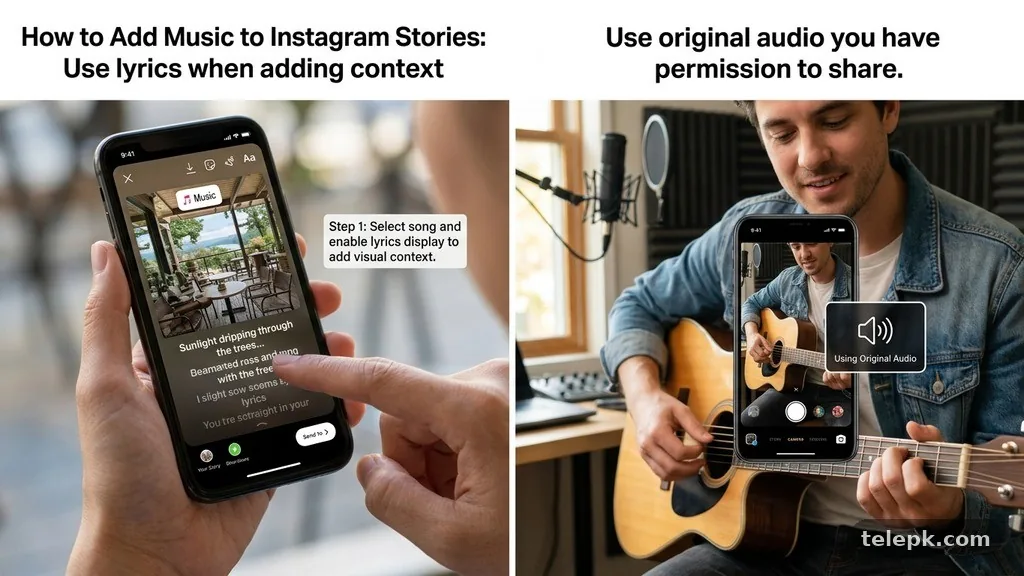
If you recorded your own voice, music, or a video with audio you own or are licensed to use, you can upload that media as a Story. Be careful with commercially released tracks embedded in an edited video: Instagram may limit, mute, or remove audio where rights aren’t cleared.
Artists who want their releases considered for social media music catalogs generally work through a music distributor or rights holder that supports delivery to those services. That process is different from uploading a personal audio file to Instagram. For current platform rules, review the Instagram Help Center before relying on a track for branded or public-facing posts.
Why the Music sticker may be missing
If you can’t find the Music sticker, don’t assume the feature has disappeared permanently. Availability depends on several factors, including where you are, the type of account you use, and the rights attached to Instagram’s local catalog.
Common reasons and practical fixes
- The app needs updating: Install the latest available Instagram update, then close and reopen the app.
- Your region has limited music availability: Licensing differs by territory, so some users won’t get the same catalog or sticker.
- Your business account has restrictions: Certain commercial accounts may have a smaller selection because business use requires different music rights.
- The song has been removed or limited: Search for another version, a clean edit, or a different track by the same artist.
- A temporary account or app issue: Sign out and back in, check your connection, and try again later.
Switching account types can affect available audio, but it isn’t a guaranteed fix and may not suit every creator or business. Don’t change a professional account setting solely for music access without considering the analytics, contact options, and tools you use.
Can you add music to an Instagram Story after posting?
In most cases, you can’t edit an already posted Story to add a Music sticker. If the Story is still live and you need the song attached, the practical option is to save the original media if available, delete the Story, create it again with music, and repost it.
That approach has a trade-off: the repost starts with a new viewing cycle, and any replies or interactions on the original Story won’t transfer. For time-sensitive posts, it may be better to leave the existing Story up and share a new music-enabled version only if the audio truly adds value.
Music tips for creators, brands, and everyday posts
Music can make content feel more intentional, but it shouldn’t compete with the reason people are watching. A tutorial with spoken instructions needs low-volume background audio or no extra song at all. A quick celebration, reveal, or montage can handle a much more prominent track.
Keep accessibility in mind
Not everyone watches Stories with sound on, and some viewers may not be able to hear the audio. Add concise captions for spoken content and make sure the visual still makes sense without the song. Lyrics are not a substitute for captions if you’re speaking on camera.
Watch the volume balance
If your video already includes dialogue or ambient sound, adjust any available audio levels before you share. Music that overwhelms a voiceover makes the Story harder to follow, especially on phone speakers.
Avoid these common mistakes
Don’t choose a track only because it’s trending if its lyrics conflict with your post. Avoid placing a music sticker over a person’s face, a product label, or a call to action. Finally, don’t assume music used in a personal Story is automatically cleared for an advertisement, sponsored content, or a business campaign.
FAQ
How do I add music to an Instagram Story?
Create or select your photo or video, tap the sticker icon, choose Music, search for a song, select the clip you want, and share the Story. You can adjust the display style and placement before posting.
Why can’t I find a particular song on Instagram?
The song may not be licensed for your region or account type, may have been removed from the catalog, or may be available under a different version or spelling. Try searching by artist, album, or a clean edit.
Can I add my own music to an Instagram Story?
You can upload a video containing original audio or audio you have permission to use. You generally can’t import a personal music file directly into the Instagram Music sticker catalog.
Does sharing from Spotify or Apple Music add playable music?
Usually, it shares a song card and link-style Story experience rather than placing the track into Instagram’s Music sticker timeline. It’s a useful discovery tool, but it works differently from native Instagram Music.
Can I add music from a laptop?
Instagram’s full Story music controls are primarily designed for the mobile app. You may be able to upload some content from a desktop browser, but the Music sticker and editing options are typically more reliable on a phone.
Why is music unavailable on my business account?
Commercial accounts can face stricter music licensing limits than personal or creator accounts. Instagram may offer a different audio selection intended for commercial use, depending on location and account status.
Final thoughts
Adding music to Instagram Stories is simplest when you use the Music sticker before publishing: pick a track from the available library, select a meaningful moment, and make sure the visual layout still reads clearly with sound off. A well-timed song can give a photo sequence, beauty clip, home update, or event post a stronger emotional beat without overcomplicating it.
If a track isn’t available, don’t force a workaround that could create rights issues. Try an alternative in Instagram Music, share the song from a streaming app, or use audio you have permission to upload. Preview the finished Story once, then post the version that best serves the content—not just the soundtrack.