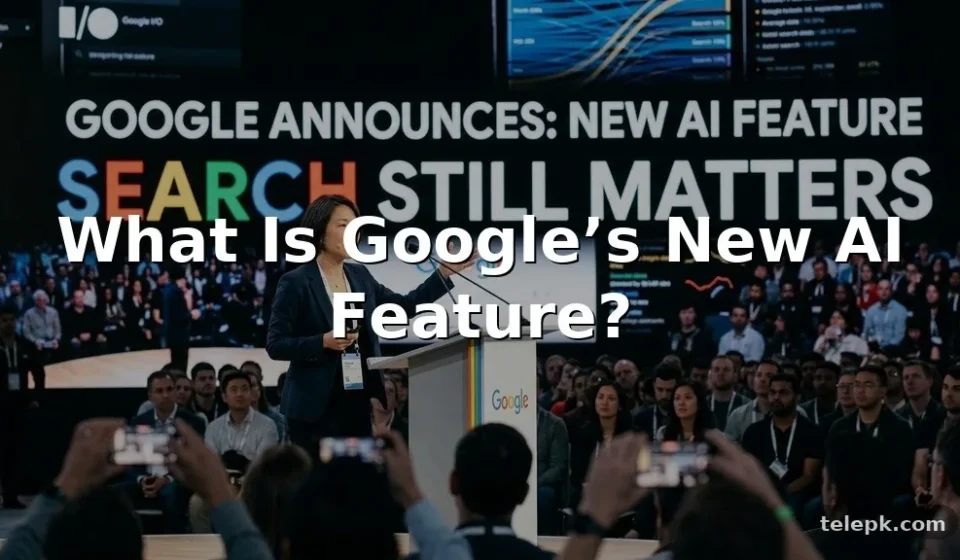

Google’s announcement of a new AI feature matters because the company’s tools sit inside products people already use every day: Search, Android, Chrome, Gmail, and the Gemini app. Depending on the rollout, the change may affect how quickly users find answers, write content, plan tasks, or interact with information on their phones. The important detail is that Google’s AI releases don’t always arrive everywhere at once.
Availability can vary by country, account type, language, device, and whether a feature is still being tested. Here’s what Google’s new AI direction means, what to expect from AI Mode and Gemini, and how to decide whether to use these tools.
“Google announces new AI feature” can refer to a range of updates rather than one single product. Google has been adding generative AI capabilities across its ecosystem, with Gemini serving as the company’s main consumer-facing AI assistant and AI Mode representing a more conversational way to use Google Search.
Instead of only returning a list of web results, these features are designed to help users ask longer questions, compare ideas, summarize information, create drafts, and continue a conversation with follow-up prompts. The underlying experience may differ depending on where the feature appears.
| Google AI area | Main purpose | How people may use it | Important limitation |
|---|---|---|---|
| Google Search and AI Mode | Answer complex, multi-part search questions | Researching trips, comparing products, planning projects | Generated summaries can still contain errors or omit context |
| Gemini app | Conversational AI assistance | Brainstorming, drafting, explaining and organizing ideas | Capabilities may depend on the app version, region and account |
| Gemini on Android | Phone-based assistance | Getting help with on-screen content, voice requests and tasks | Not every Android device or language supports every feature |
| Gemini Nano | On-device AI processing on supported hardware | Selected features that can work with less reliance on cloud processing | Requires compatible devices and specific app integrations |
| Gemini in Chrome | Browser-based help with web content | Understanding pages, summarizing material and asking contextual questions | Feature availability and controls can change during rollout |
Why Google Is Building AI Into Search and Android
Google Search has traditionally been built around keywords, links, maps, images, shopping listings, and direct answers. Generative AI adds another layer: users can phrase a question naturally, include several conditions, and refine the result without starting a fresh search each time.
For example, someone redecorating a small living room could ask for paint-color ideas that suit low natural light, work with a walnut coffee table, and fit a warm minimalist style. A regular search can still be useful, but an AI-powered mode may help turn that broad request into a more organized starting point.
The same idea applies to mobile. Google’s AI tools can help Android users work through messages, generate text, understand selected content, or ask questions using voice and images. The company said its broader aim is to make assistance more contextual across devices and apps, although the exact functions available will depend on each release.
How AI Mode Changes the Search Experience
AI Mode is Google’s more conversational search interface. It is intended for questions that require reasoning across multiple details, comparisons, or follow-up queries. Rather than treating each search as separate, it can preserve the thread of what you are trying to solve.
Questions AI Mode Is Suited To
- Comparing several smartphones by battery priorities, camera needs, budget, and software support.
- Building a skincare routine around a specific concern while identifying ingredient conflicts to discuss with a dermatologist.
- Planning a weekend itinerary based on travel time, interests, dietary needs, and weather preferences.
- Turning a broad home-design idea into a room-by-room shopping and styling checklist.
- Explaining a technical subject in simpler language before reading more detailed sources.
That said, AI Mode should not replace careful source checking. Search results generated by AI are useful for orientation, but users should open supporting pages, compare viewpoints, and verify time-sensitive details. This is especially important for health advice, financial decisions, legal questions, breaking news, and product availability.
Search Still Matters
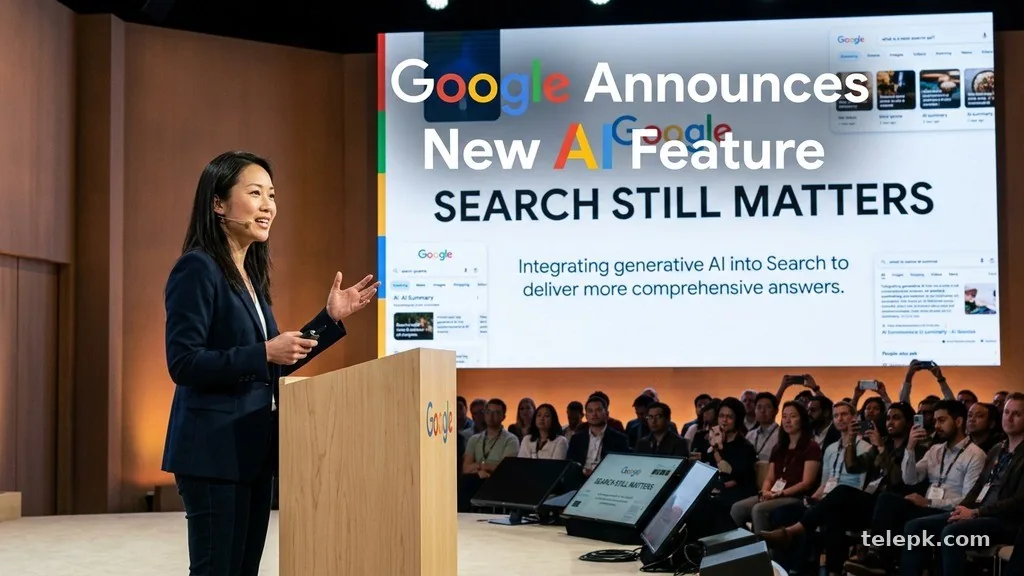
Traditional web search remains valuable for finding primary sources, official product pages, local services, reviews, and specialist reporting. AI-generated responses may make it easier to get started, but they are not a substitute for reading the original material.
For a clearer explanation of Google’s approach to generative results, users can review Google’s official information about AI-powered search experiences. Check the date and availability notes on any feature page, since public testing and wider release timelines can differ.
Gemini, Gemini Nano, and Gemini in Chrome
Gemini is Google’s AI model family and assistant brand. It powers experiences that can work with text, images, voice, and other forms of input, depending on the product. If Google announced a new AI feature for a phone, browser, or app, Gemini is often the technology or assistant users will see attached to it.
Gemini on Android
On Android, Gemini can function as an assistant for supported devices and accounts. It may help interpret a request, draft a response, explain content, or perform supported actions. The experience is not identical on every phone, and older models may not receive all new features.
Before switching from Google Assistant to Gemini, check what voice commands, smart-home controls, routines, and accessibility functions you rely on. AI assistants can be helpful, but an established assistant may still handle certain everyday commands more predictably.
What Gemini Nano Means
Gemini Nano refers to a smaller model designed for on-device use on compatible hardware. Processing some tasks locally can improve responsiveness and reduce the need to send every request to a remote server. It may also be useful in situations with limited connectivity.
However, on-device AI is not automatically available across all Android phones. Hardware support, operating system version, manufacturer choices, and app-level integration all matter. Don’t assume that an AI feature demonstrated on one flagship handset will appear on every Android device.
Gemini in Chrome
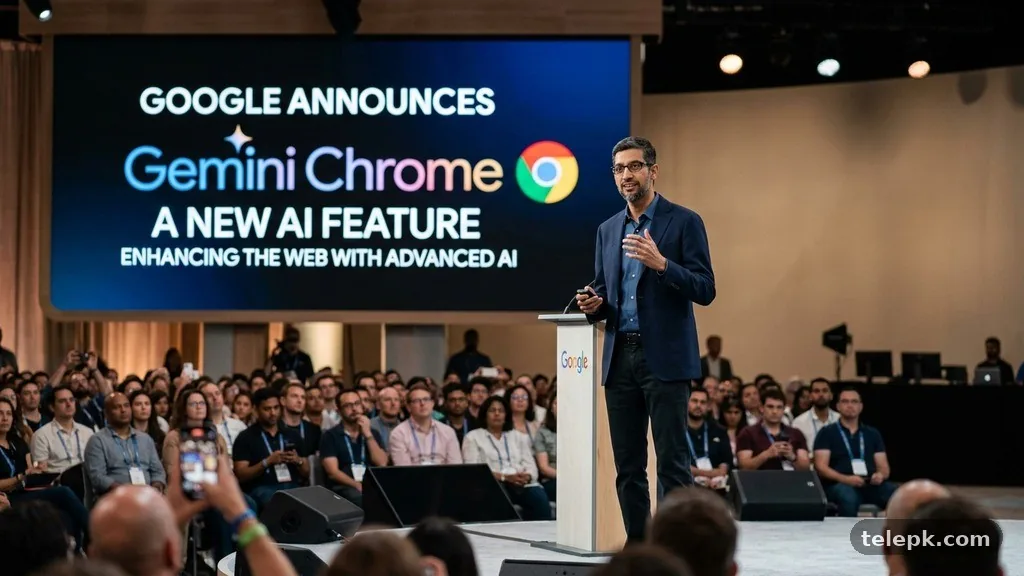
Gemini Chrome features are aimed at helping users interact with browser content in a more direct way. Depending on the version and rollout, that can include asking questions about a page, getting a summary, or receiving help based on what is open in the browser.
This can save time with long articles, product specifications, travel research, or technical documentation. Still, summaries may leave out qualifications, author context, or updates buried lower on a page. For important decisions, read the source instead of relying on a compressed version.
What Is Confirmed, and What Should Users Treat Carefully?
Google frequently announces AI capabilities through product events, developer updates, Search Labs experiments, and gradual app releases. An announcement confirms the company’s intention and the features shown at that moment. It does not always mean every user can access the tool immediately.
These are sensible checks before assuming a feature is live on your device:
- Confirm whether it is available in your country and preferred language.
- Check whether it requires a personal Google Account, a specific subscription, or a waitlist.
- Look for Android, Chrome, Gemini app, or Google app updates.
- Read the feature’s privacy settings before sharing personal, work, health, or financial information.
- Verify whether a result is generated by AI, pulled from a source, or based on a live web search.
Developers may also receive new Gemini tools through Google’s platforms and APIs. Those releases are separate from consumer features, even when they use related models. A capability shown to developers does not necessarily translate into a public Android or Search feature right away.
Benefits of Google’s New AI Tools
The strongest argument for Google’s AI features is convenience. People can put a complicated request into one prompt instead of breaking it into many smaller searches. That can be useful for planning, learning, comparing, and creating an early draft.
Useful Everyday Advantages
- More natural questions: You can include context, preferences, and constraints in a single request.
- Faster first drafts: Gemini can help create outlines, captions, checklists, or rewritten text that users can edit.
- Multimodal input: Some tools can work with text, images, voice, and on-screen information.
- Follow-up support: A conversational mode lets users narrow a request instead of repeating the entire query.
- Potential on-device help: Supported Gemini Nano features may be useful where connectivity is inconsistent.
For content creators, students, and busy households, the practical benefit is often less about replacing expertise and more about reducing the friction of a first step. A thoughtful prompt can turn a vague task into an editable plan.
Limitations and Privacy Considerations
Generative AI can sound confident even when a response is incomplete or wrong. It may misunderstand a prompt, blend details from different sources, or produce advice that is too generic for a specific situation. Treat it as an assistant, not a final authority.
Privacy deserves equal attention. Avoid pasting passwords, private medical records, confidential work documents, financial account information, or identifying details about another person into a generative AI prompt. Review activity controls and data settings in your Google Account, particularly if you use AI features for work or family planning.
Situations Where Extra Caution Is Needed
- Symptoms, medication questions, or personalized health decisions.
- Breaking news, election information, public safety updates, and emergency guidance.
- Legal, tax, insurance, or financial recommendations.
- Product pricing, stock status, software compatibility, and release dates.
- Celebrity rumors or claims that depend on unnamed or unverified sources.
For these topics, use AI to identify questions you should research, then confirm the answer with official sources or qualified professionals. That approach preserves the speed of AI without giving it more authority than it has earned.
How to Find and Use Google AI Features
Availability changes often, but the basic path is usually straightforward. Start with the relevant Google product rather than downloading unfamiliar third-party apps claiming to provide the same feature.
- Update the Google app, Gemini app, Chrome browser, and Android system software where updates are offered.
- Sign in to the Google Account you normally use on the device.
- Check the Gemini app or Google Search interface for available AI options, including experimental features where offered.
- Read any consent screens and settings prompts before enabling a new mode.
- Try a low-stakes prompt first, then compare the answer with ordinary search results or a trusted source.
- Adjust activity and privacy controls if you decide the feature is useful enough to keep enabled.
If you do not see the new option, it may not indicate a problem with your device. Rollouts are commonly phased, and some features are limited by location, language, age requirements, account settings, or hardware.
Can You Turn Off Google AI Features?
In many cases, users can choose not to use an AI feature, decline an experiment, switch assistant settings, or manage saved activity through their Google Account. The exact controls vary across Search, Chrome, Android, and Gemini.
Turning off one feature does not necessarily remove every AI-assisted element from Google products. Search ranking, spam protection, photo editing, voice recognition, and security tools have long used machine learning in different ways. The practical question is which generative, conversational, or data-sharing features you want enabled.
FAQ
What is the new AI thing on Google?
Google’s recent AI work includes Gemini, AI-powered Search experiences such as AI Mode, Android assistance, and browser features. The exact “new” tool depends on the specific announcement and regional rollout.
Is Google’s new AI feature free?
Some Google AI features are available without a separate charge, while others may have access limits, experimental availability, or subscription-based tiers. Check the feature page in your app or Google Account for current terms.
Can I turn off AI on Google?
You can often opt out of individual experiments, change assistant preferences, or manage activity settings. Options differ by product, so check the settings in Search, Gemini, Chrome, or Android rather than expecting one universal switch.
Is Google AI as good as ChatGPT?
They are different AI products with overlapping strengths. Google’s advantage is its integration with Search, Android, and Google services, while the quality of any answer depends on the task, the model version, and how carefully you verify the output.
Will AI Mode replace standard Google Search?
Standard search remains useful for finding websites, official pages, local results, and primary sources. AI Mode is better viewed as an additional way to research complex questions, not a reason to stop checking original sources.
Does Gemini Nano work on every Android phone?
No. Gemini Nano features require compatible hardware and software, and support can vary by phone manufacturer, model, region, and app. Check your device’s official update notes for confirmation.
Final Thoughts
Google’s announcement of a new AI feature signals a broader shift toward more conversational Search, more capable Android assistance, and AI tools that appear inside apps people already use. The most useful features can save time on research, planning, and drafting, particularly when a question has several moving parts.
Use the tools with a clear purpose, keep sensitive information out of prompts, and verify anything that affects your health, money, safety, or major purchase. As Google rolls out new AI capabilities, checking eligibility and privacy controls will matter just as much as trying the feature itself.